Splat II · Deep dive
Visual Effects
Volumetric fog from graphics papers, a trail renderer driven by acceleration, and a 27-uniform black hole shader.
Three effects do most of the visual work in Splat II. All three are built from scratch.
Volumetric fog
Screen-space ray marching with Henyey-Greenstein scattering. Researched from graphics papers, rewritten four times to hit 60 fps.
How a pixel gets its colour
camera
   │
   ▼
┌──────┐
│ ray  │ (one per pixel)
└──┬───┘
   │
   ▼ 48 sample steps along the ray
   ●───●───●───●───●───●───●───●───●───●───●───●─...
   │   │   │   │   │   │   │   │   │   │   │
   ▼   ▼   ▼   ▼   ▼   ▼   ▼   ▼   ▼   ▼   ▼
  density at each sample
    = height term × ground proximity × 3D wind noise

  light at each sample
    = sum over lights of Henyey-Greenstein( angle_to_light )

  pixel = integrate density × light along ray, clamped by depth buffer
Sample count adapts from 16 (low) to 96 (ultra). 48 is the default.
Performance pass
Full resolution was too expensive. Fog is low-frequency so the trick is to render small and reconstruct:
half-resolution fog buffer
   │
   ▼
Halton-jittered ray origins (cuts visible banding)
   │
   ▼
temporal filter (blend with reprojected previous frame)
   │
   ▼
upscale to full screen
   │
   ▼
composite into the scene
Player lights scatter inside it
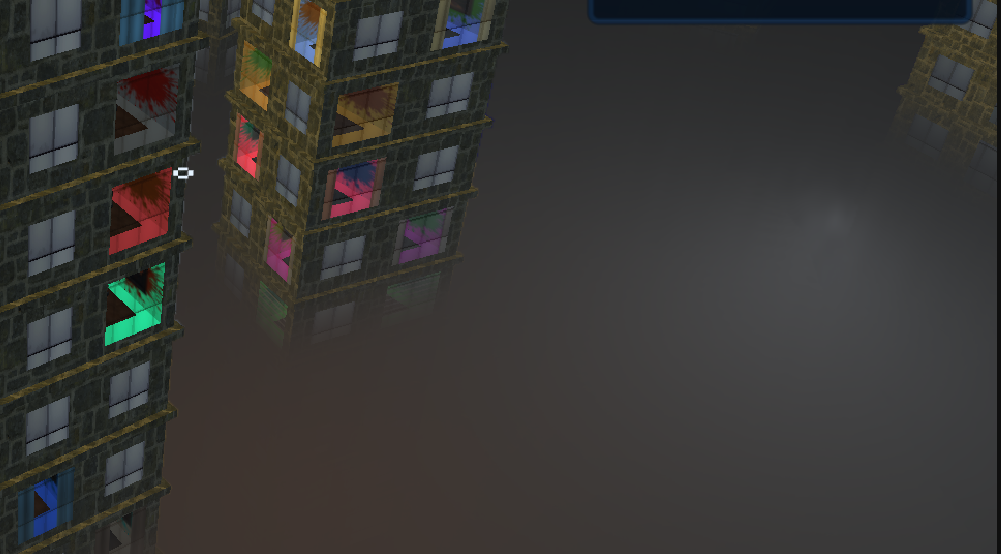
Each player emits a point light. The fog samples those lights at every step, so a player on the other side of the map shows up as a glow inside the fog even when their body is hidden behind geometry. Turned out to be one of the strongest readability cues in playtests.
Iteration history
| Version | What it was | Why it failed |
|---|---|---|
| v1 | Basic exponential fog | Too flat, no shape |
| v2 | Layered fog at heights | Visible banding between layers |
| v3 | Thin fog film overlay | No depth, looked like a filter |
| v4 | Full ray-marched volumetric | Shipped version |
Each version taught me what the next one had to fix.
Trail renderer
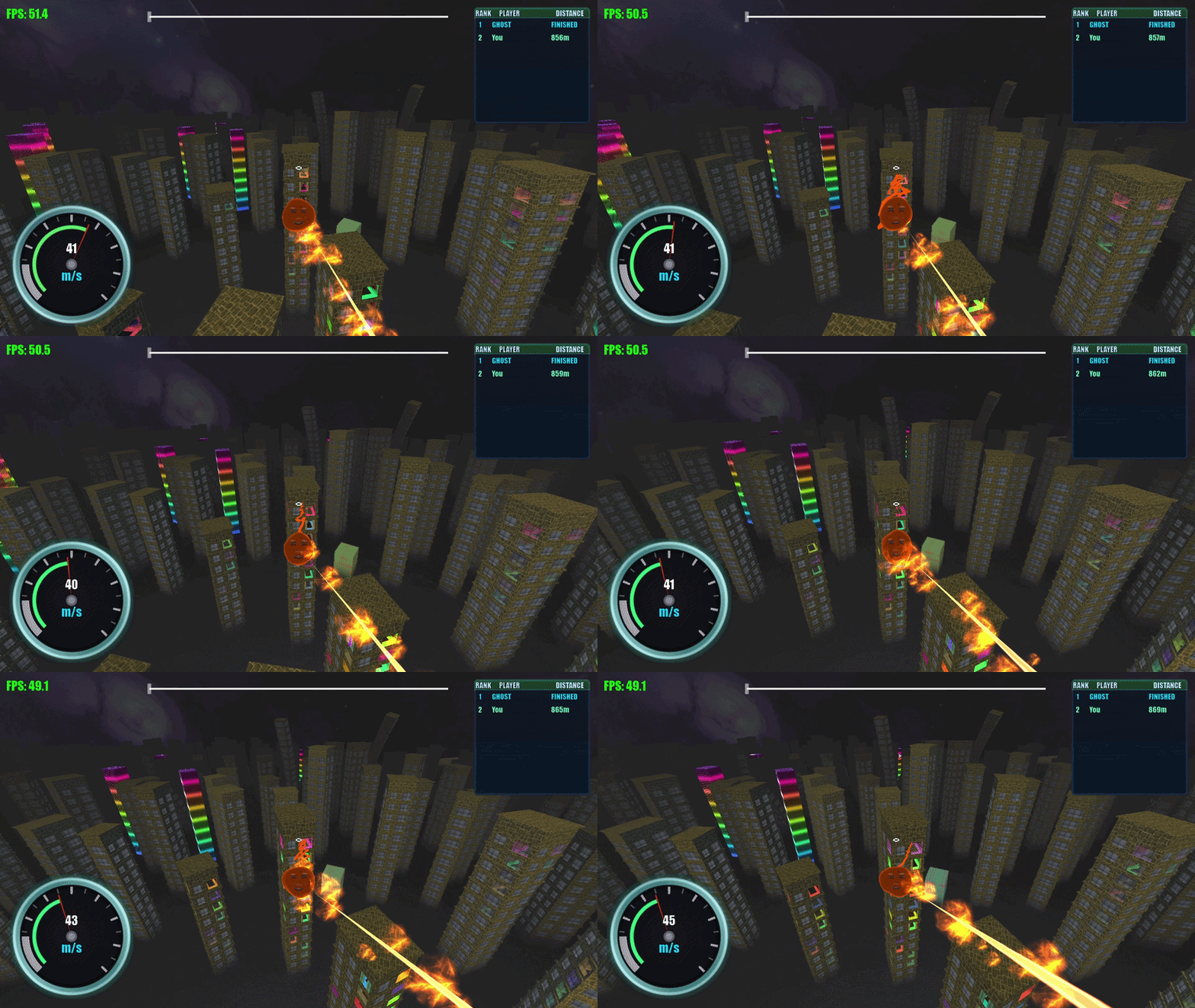
A glowing ribbon behind each player. Ring buffer of points, rebuilt into a triangle strip every frame on the CPU. Old points expire on a lifetime so the buffer stays bounded.
   [P0][P1][P2][P3][P4][P5][P6][P7][P8] ... [PN]
    ↑                                          ↑
    oldest point                       newest point (player pos)

each frame:
    push player position
    drop points older than lifetime
    rebuild triangle strip mesh from the live window
Acceleration drives the glow
Speed is roughly constant most of the time and makes a bad input. Acceleration spikes on boosts, grapple yanks, and direction changes, so driving the glow off acceleration makes those moments visibly flash.
glow_intensity = base + k * length(acceleration)
The shader builds a solid core stripe with soft edges plus a wider glow halo. Smooth turn handling prevents kinks where the path bends sharply.
Tuning history
First version covered the screen and obscured the city. I iterated the width curve, alpha falloff, and segment length until the trail read as a path instead of a banner.
Black hole shader
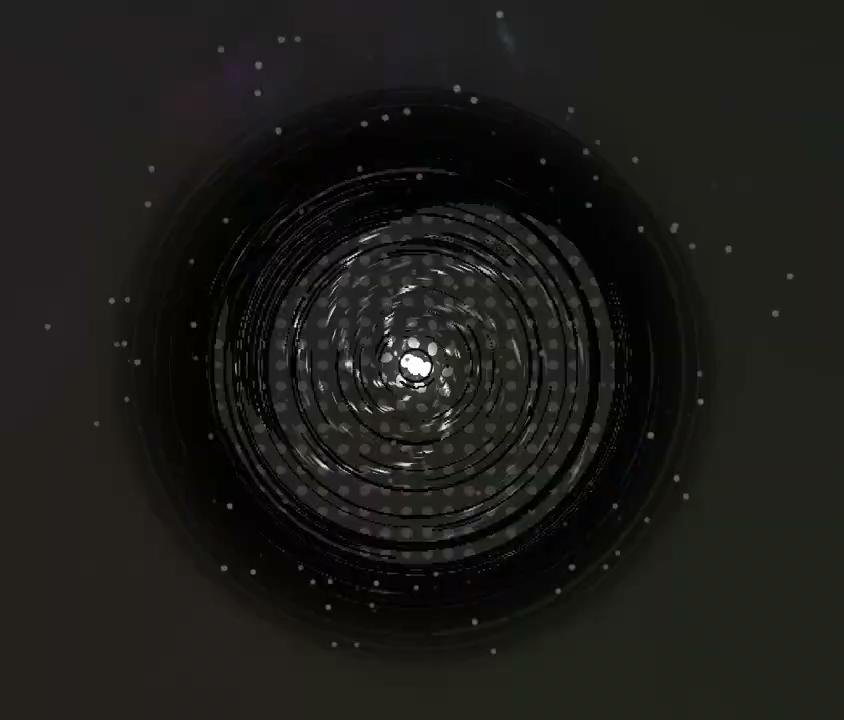
Replaced the original basic goal object. Fully procedural, no textures.
27 uniforms, grouped
| Group | Controls |
|---|---|
| Spiral arms | count, angle, twist rate, density |
| Halftone dots | dot size, screen scale, threshold |
| Screen-space distortion | strength, radius, falloff curve |
| Colour cycling | palette, cycle speed, mix curve |
| Phase timing | activation, pulse rate, intro and outro |
Around the shader
A physics sensor sphere detects when the player enters the gravity well and triggers the end-of-level event. An ambient particle system with a “towards point” affector swirls particles into the centre. The pulled particles double as a long-range visual cue: from across the map you can see where the goal is.
Workflow
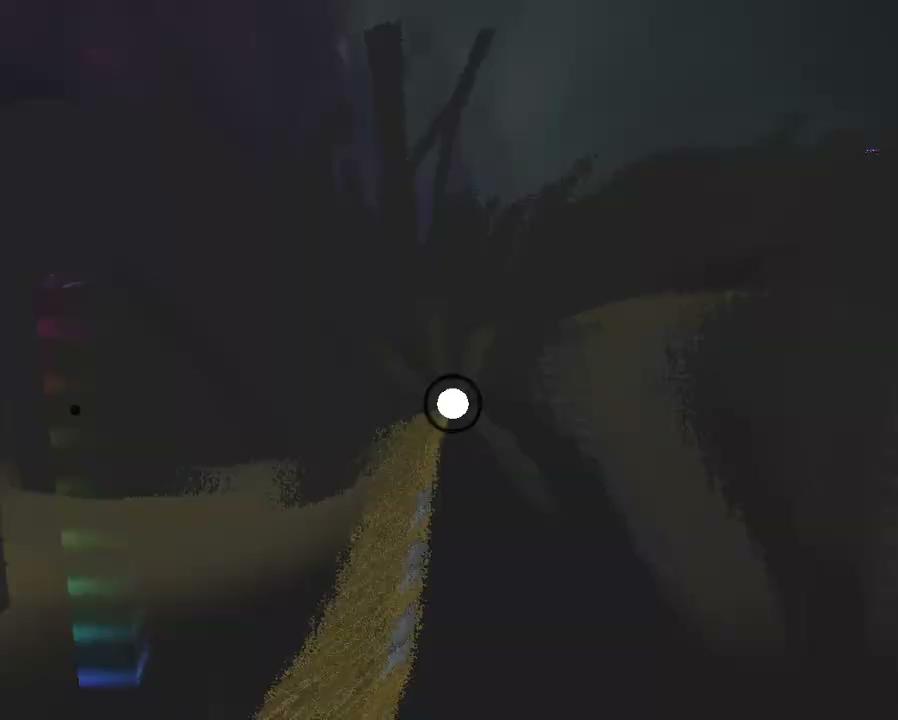
I built the shader in Shadertoy first because iteration is fast there. Once it looked right, I ported it into the engine and tuned across a few commits to lock in the spiral animation and the distortion field.