Project · 2024
OpenGL Cityscape
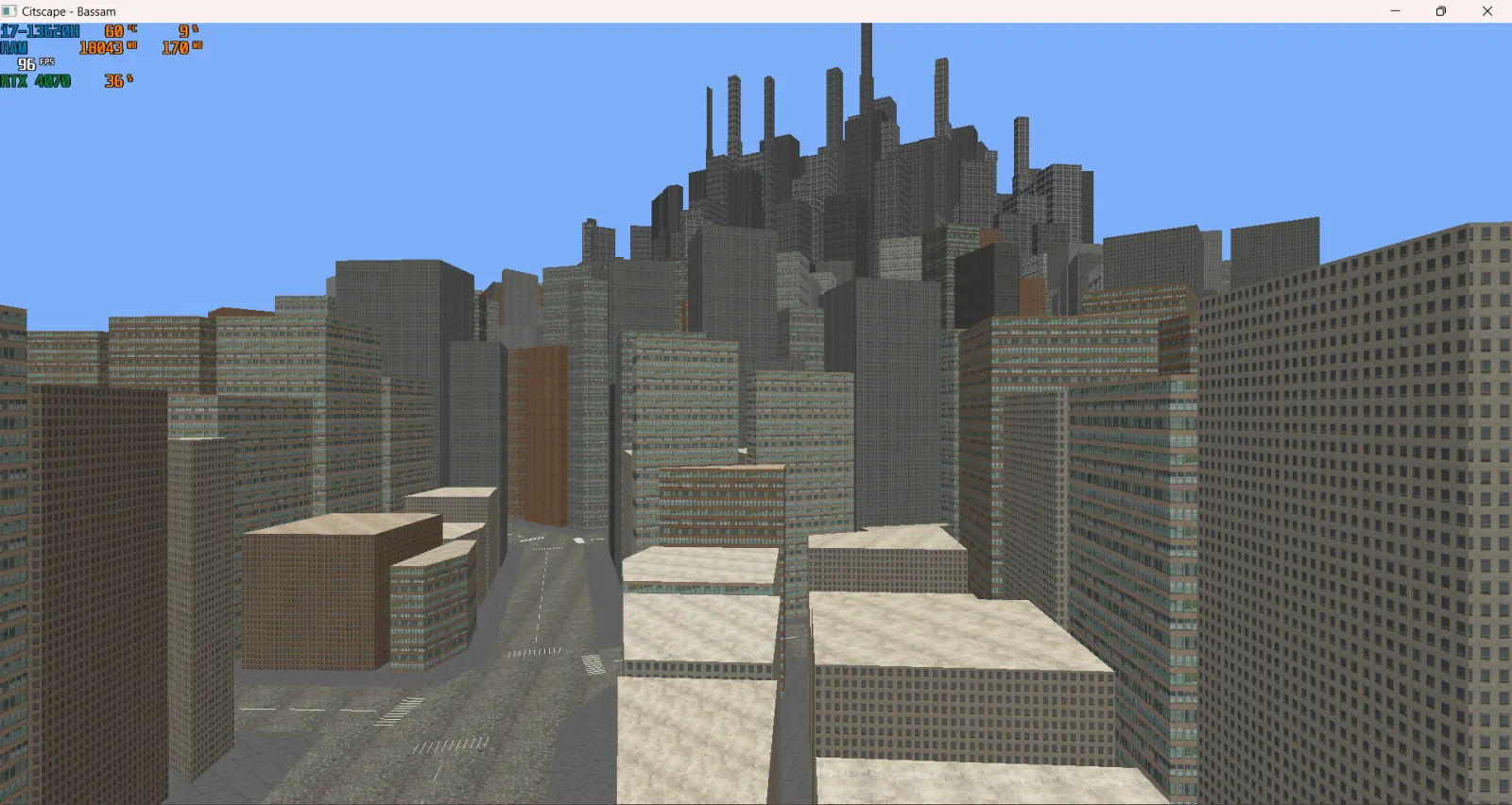
Procedural city generated from a Voronoi diagram. Roofs use fan triangulation, buildings use array textures, and the whole scene runs on a day/night cycle.
Here is a detailed blog post about OpenGL Cityscape.
This project is a procedurally generated cityscape based on a Voronoi diagram with a dynamic day & night cycle.
Manually coded a Voronoi diagram using videos explaining it such as: A Mathematical Guide to Social Distancing | Voronoi Diagrams
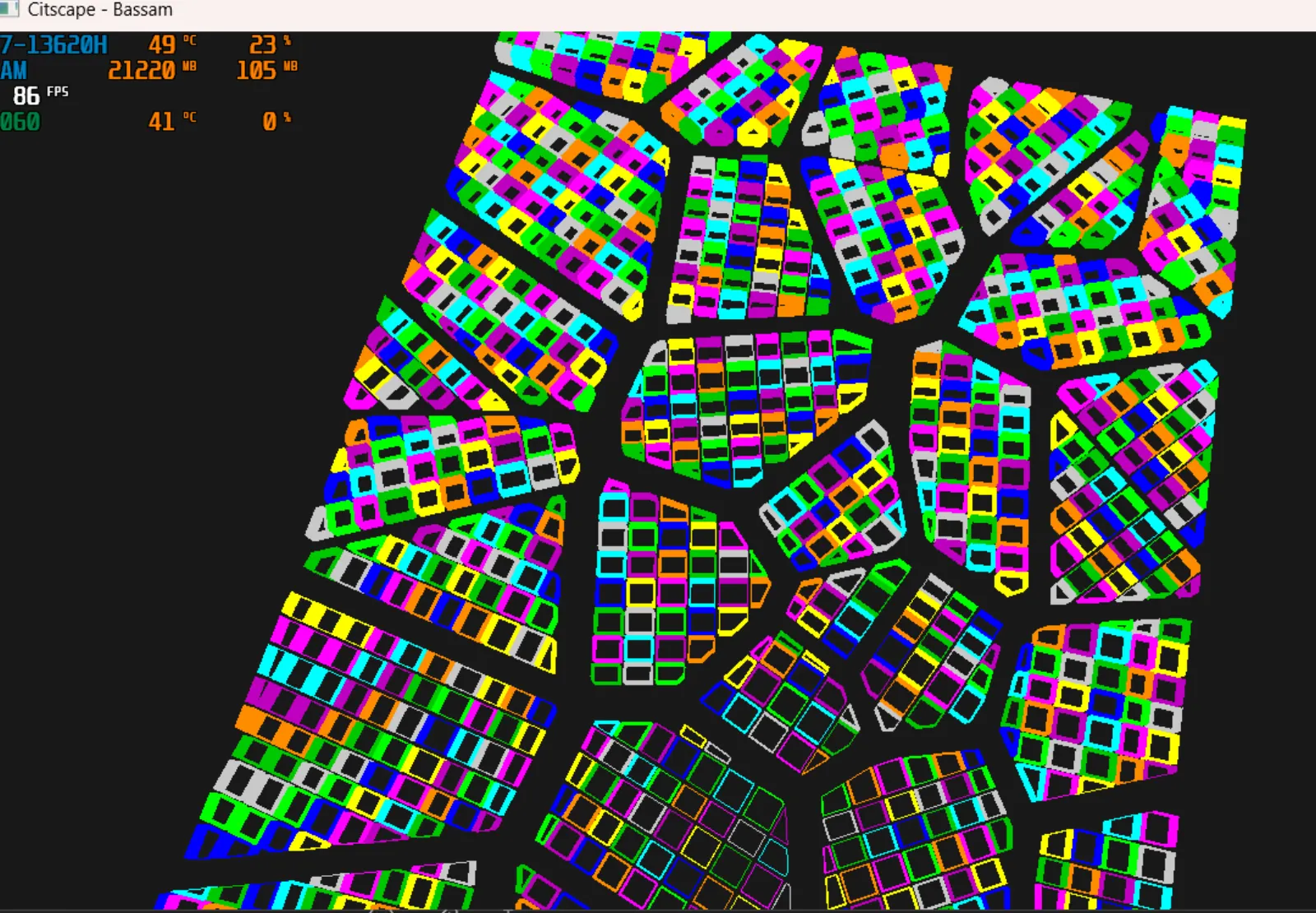
After getting the voronoi diagram to work, I wanted to add more procedurality so I would grab any polygon that’s too big and split it into smaller ones. This is done by finding the largest edge and splitting it in half.
After getting a nice polygon, I would sweep across it cutting it into grid cells. This would result in building shapes. I used a simple grid system to do this. I also added some randomness to the grid to make it more interesting.
Then now that I have these squares, I would create the walls using them.
To add roofs to these potentially complex polygon shapes, I used a fan triangulation algorithm that would pick a vertex and then create a triangle from that vertex to the two vertices that are next in line. Mimicing a fan shape, this would create decent roof shape.
Seeing as the voronoi diagram is a set of points, it seemed like a good idea to use these points to create the roads. Because most of them are usually connecting, I would leave some padding and create a cross walk to give the roads a cohesive feel to them. And ofcourse add lines along the verticies using GL_Lines copying what a road with lines would look like.
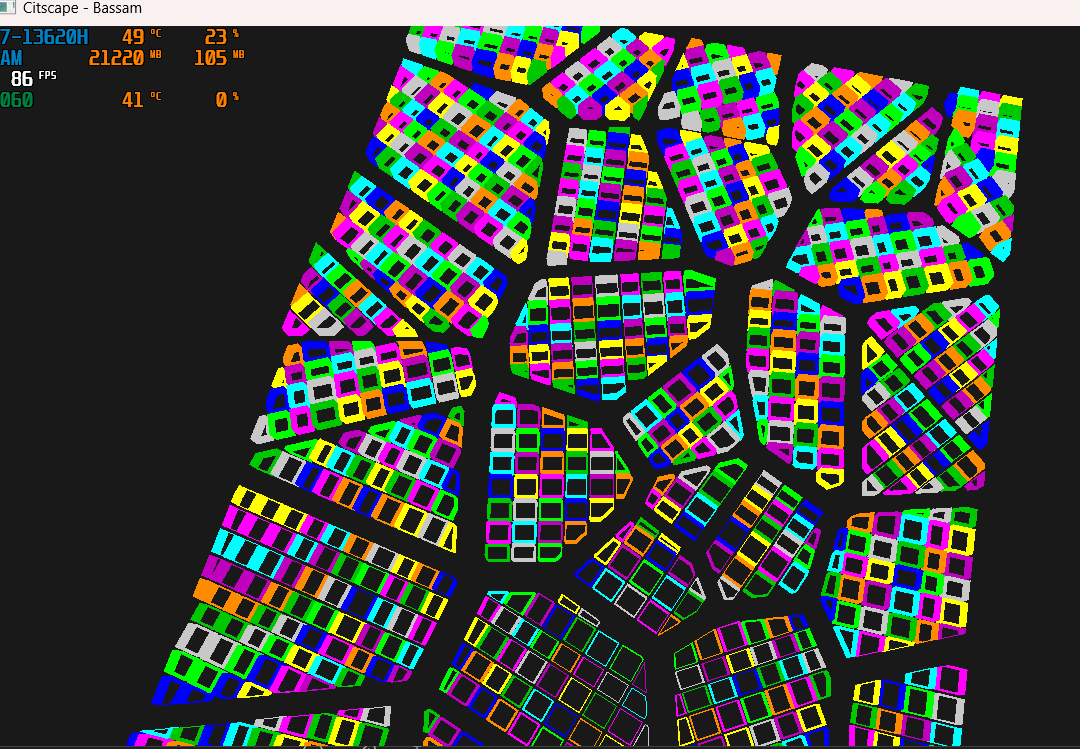
Next up is creating UV maps for each building, this is where I faced the biggest issue with my fan based building roofs. Because the fan triangulation algorithm creates triangles that are not necessarily in order, it makes it hard to create a UV map. I ended up using a simple algorithm that would create a UV map based on the minimum x, minimum y and maximum x, maximum y of the building. This would give the texture the same orientation as the building and not be stretched. I also added some randomness to the UV map to make it more interesting.
Faced some trouble with the Wolf Texture manager, because it only takes .tga files. And most of which when cropped would lose their padding and come tilted and weird. The issue ended up getting fixed once you convert the code to take 32bit files.
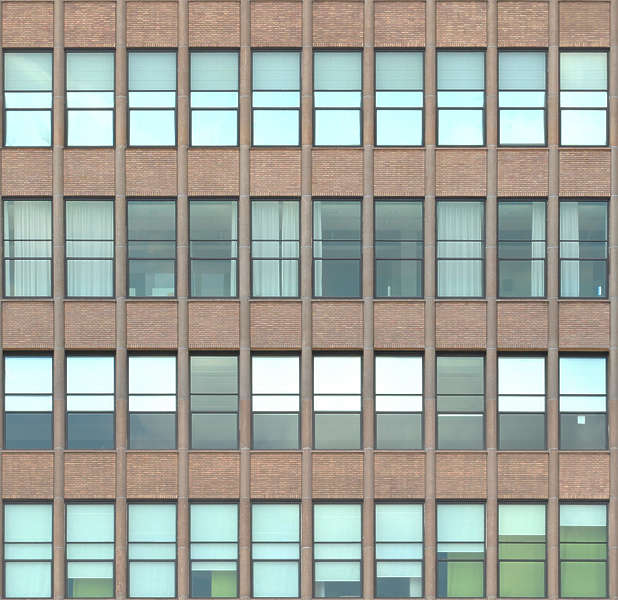
I used Array Textures to store the UV maps for each building. This was a good idea because it allowed me to easily switch between different textures and also made it easy to add more textures in the future. Not to mention it made it easy to add more buildings with different textures.
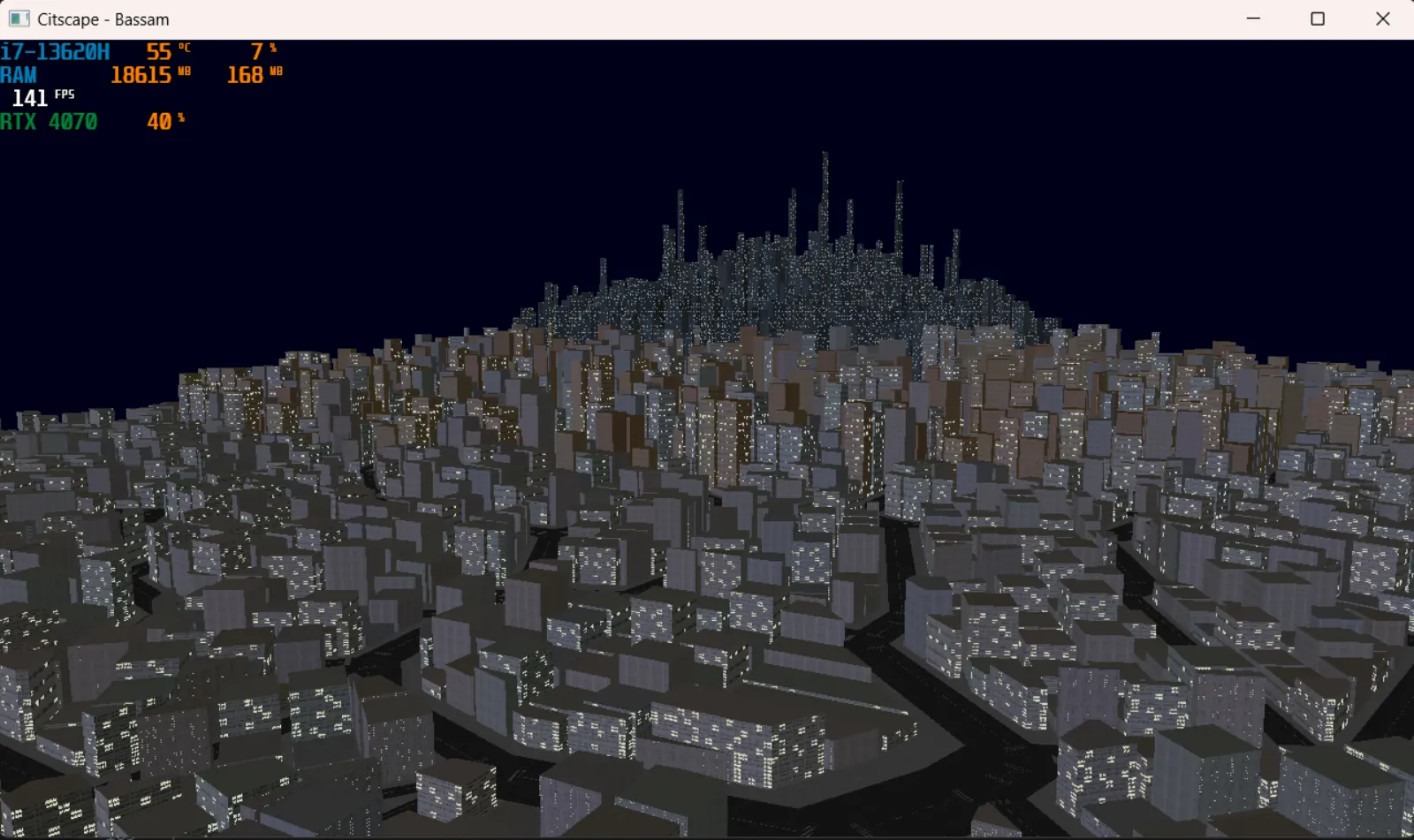
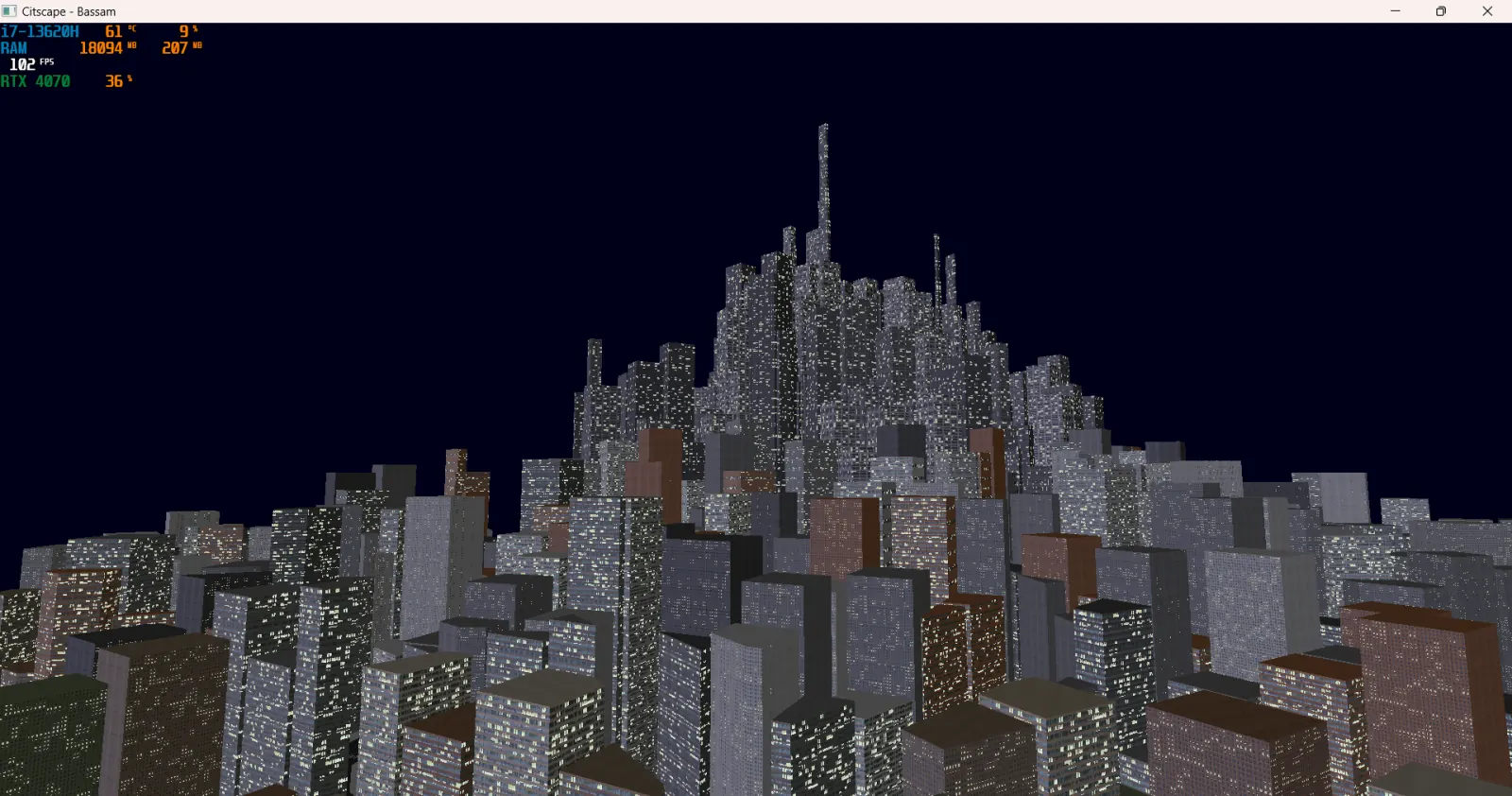
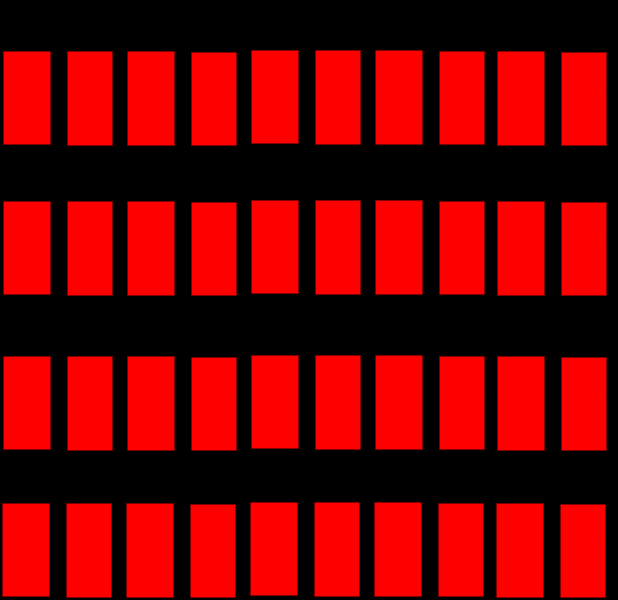
I used this Array Texture to create red window variations of 3 building textures, so that the buildings would light up at night. And I also added normals to each building so that they would react to light.
After that I added a Day & Night cycle to the scene. This was done by changing the light color and intensity based on the time of day and have the sun rotate in the day time.
Finally I added a ground, sidewalks, building districts and special buildings to give the scene more depth and interest. This was done by creating different colourschemes and shapes for each district and giving the industrial district the special building that is stacked up into a tower shape.
- Technology: OpenGL, C++
- Features: Day & night cycle, procedural generation, optimized rendering.