
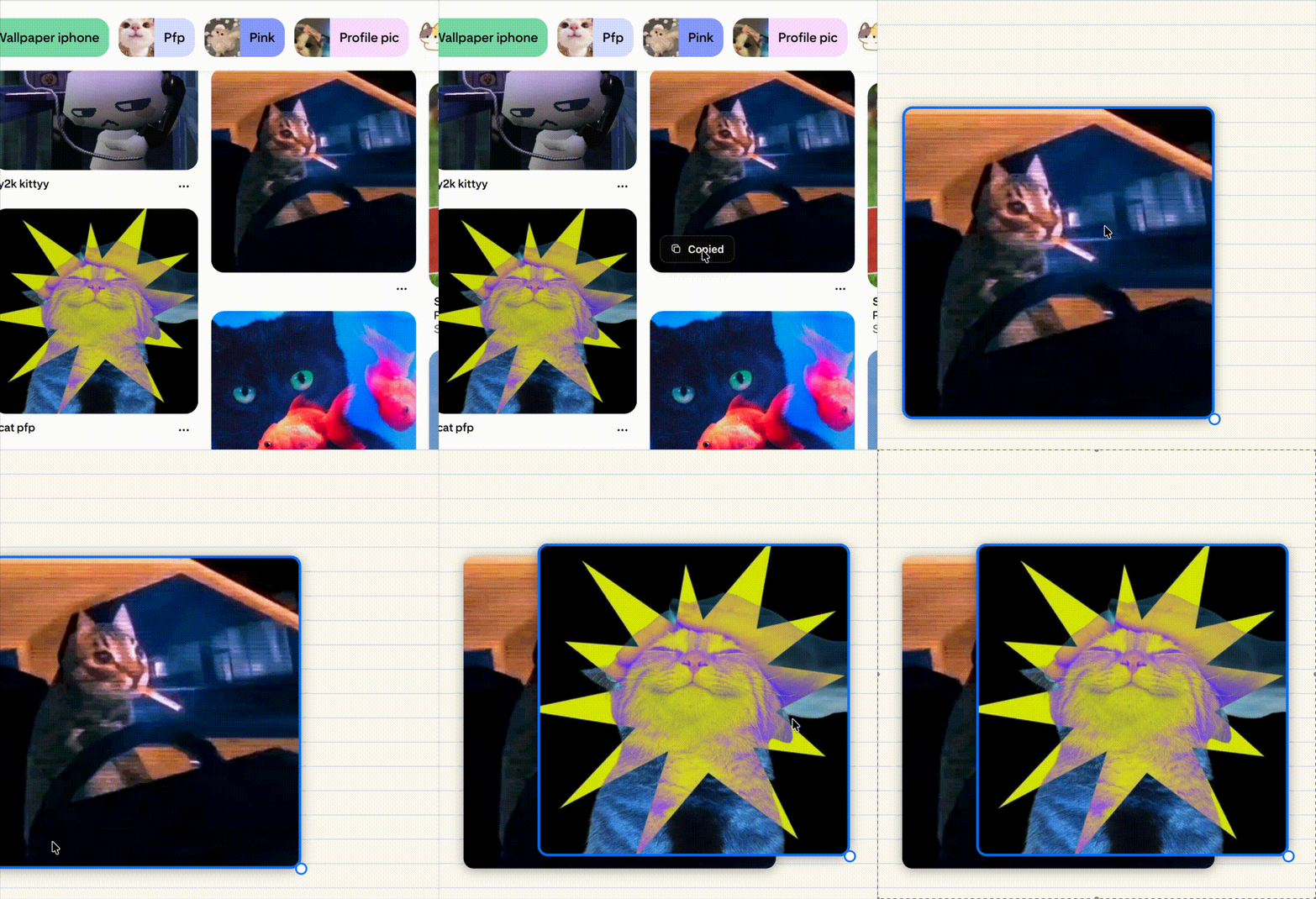
Before & after
Without Pluck
Feed → Open Pin → Copy → Back → Repeat ↺With Pluck
Feed → Hover image → Copy → Paste ✓What it does
A small Copy button on still images in the feed, search, and boards.
Copies a clean PNG straight to your system clipboard.
Carousel pins copy the slide that's actually visible; video pins are skipped.
Optional higher-res fetch when the page exposes a larger URL, off by default.
Strips Pinterest hover UI before capture, so you never paste junk.
Never reads your clipboard, never talks to a backend.
Install
Safari macOS
Proven target. Grab the release ZIP and follow the Xcode steps.
Chrome / Edge / Brave
Load the chromium ZIP unpacked from the releases page.
Firefox
Load the firefox ZIP as a temporary add-on.
Web stores soon
Chrome Web Store, Edge Add-ons, AMO & App Store listings are rolling out.
Privacy
Pluck runs entirely on your device. It does not collect, transmit, or store:
- Pinterest account info, pin/image URLs, or copied images
- Clipboard contents, browsing history, or search queries
- Device identifiers, analytics, telemetry, or crash reports
The only settings stored are local booleans (enabled, diagnostics, higher-quality). The one possible network request, an optional i.pinimg.com image fetch, happens only when you click Copy with higher-quality mode on, without credentials or referrer, and is never retained. Full policy:
read the full privacy policy.